
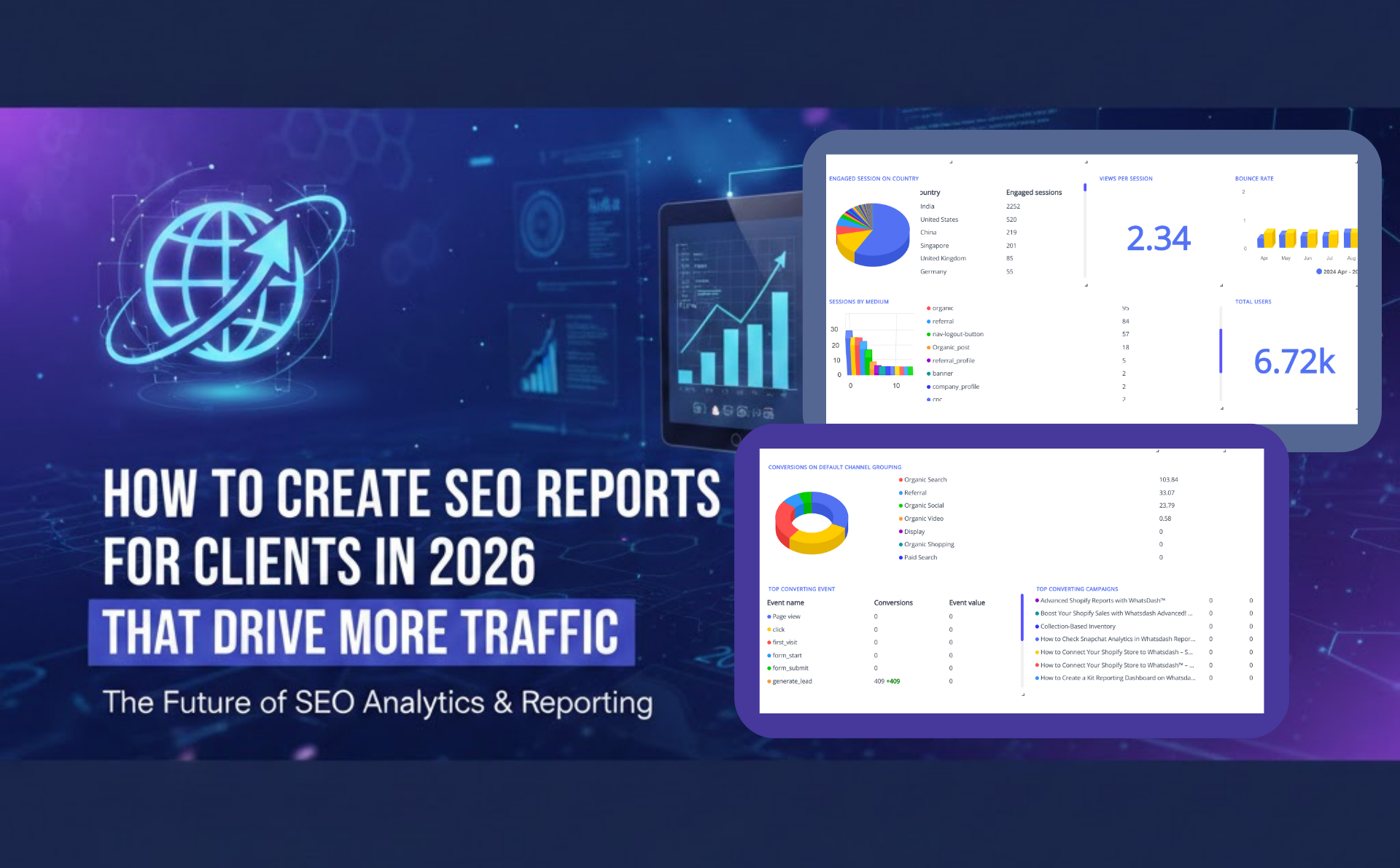
SEO has changed significantly over the last few years. In 2026, ranking improvement is itself no longer enough to justify SEO efforts to clients. What clients now expect are clear insights, measurable outcomes, and traffic impact explained in simple language. That is where well-structured SEO reports play a critical role.
An SEO report is no longer just a collection of metrics. It has become a decision-making document that explains what is happening, why it is happening, and what should be done next. When SEO reports for clients are created thoughtfully, they help build trust, retain clients longer, and align SEO work with real business growth.
This guide explains how SEO reports should be created in 2026, what challenges agencies face, what to include, and how modern reporting tools like Whatsdash can simplify the entire process.
Why Is SEO Client Reporting Important?
SEO client reporting is important because SEO results are not instantly visible. Unlike paid ads, SEO outcomes appear gradually, and without proper explanation, the value of the work can be misunderstood.
Through consistent SEO report creation, clients are shown how visibility, traffic, and conversions are improving over time. An effective SEO performance report translates technical work—such as keyword optimization, content updates, and link building—into business outcomes like organic traffic growth, lead generation, and revenue contribution.
In 2026, SEO reports are also used to:
- Set realistic expectations
- Show progress even during algorithm fluctuations
- Highlight opportunities based on SEO insights
- Justify ongoing investment in SEO
When reporting is done correctly, SEO becomes easier to trust and easier to scale.
How to Create the Perfect SEO Report for Your Clients
A perfect SEO report in 2026 should focus on clarity, relevance, and actionability. So nowadays, instead of doing old fashioned manual seo report creation in an excel sheet, use automated SEO reporting tools to combine data from Google Search Console, Google Analytics, and keyword tracking platforms into a single dashboard and automatically generate seo reports for clients.
This modern process saves time and ensures accuracy. Visual elements such as charts, trend lines, and comparisons make performance easy to understand for non-technical clients. However, overwhelming clients with data, reports should answer three core questions:
- What changed?
- Why did it change?
- What should be done next?
Traffic trends, keyword movement, technical health, and content performance should be explained in plain language. Visual summaries should be used to make insights easy to understand.
What to Include in Your SEO Client Reporting Dashboard
An effective SEO dashboard should present only meaningful data. As it is a communication tool that shows progress, proves ROI, and builds long-term client trust. However, common elements include:
- Organic Traffic Overview
Traffic trends from search engines should be shown with clear comparisons. - Keyword Performance
Ranking movements for priority keywords help track visibility improvements. - Top Performing Pages
Pages driving the most traffic and conversions should be highlighted. - Technical SEO Health
Indexing status, page speed, and Core Web Vitals provide technical context. - Content Performance
Blog posts and landing pages should be evaluated based on engagement and traffic. - Actionable Insights
Each section should include brief explanations and next steps.
A well-structured SEO multi- client reporting dashboard is the foundation of transparent communication and long-term client retention. By including the right SEO metrics, visual insights, and business-focused outcomes, agencies can transform reports into decision-making tools.
What Problems Do Digital Marketing Agencies Face When Creating SEO Reports for Clients?
SEO reporting is often one of the most time-consuming tasks for agencies. Several challenges are commonly faced:
First, data is scattered across multiple platforms. Google Search Console, GA4, keyword tracking tools, backlink tools, and site audit tools all present data differently. Combining them into one SEO analytics report often requires manual effort.
Second, reports are frequently too technical. Metrics such as crawl budget, indexing status, or keyword volatility may not be understood by clients, leading to confusion instead of clarity.
Third, consistency becomes difficult as agencies grow. Each client may receive a differently formatted SEO analysis report, making internal workflows inefficient.
Finally, reporting often lacks storytelling. Numbers are shared, but context is missing. Without explanations and next steps, SEO reports fail to drive confidence.
How Whatsdash Solve Problems that Agencies Face in SEO Reporting
Digital marketing agencies don’t struggle with SEO itself as much as they struggle with explaining SEO clearly, consistently, and at scale. Most reporting problems come from time pressure, scattered data, and client expectations.
Below is a realistic, non-promotional explanation of how Whatsdash addresses those exact problems in day-to-day agency work.
1. Data Scattered Across Multiple SEO Tools
Agencies usually rely on multiple platforms such as Google Search Console, GA4, keyword tracking tools, and site audit tools. Manually collecting this data often leads to errors and wasted time.
How Whatsdash helps:
Data from different SEO platforms is pulled into one unified dashboard. This allows SEO analytics reports to be viewed in a single place without manual data merging.
2. Time-Consuming Manual Reporting
Preparing monthly SEO performance reports often consumes hours that could be spent on strategy or optimization.
How Whatsdash helps:
SEO reports are automated using pre-built templates. Once set up, reports are generated and updated automatically, reducing manual effort significantly.
3. Difficulty Explaining SEO Data to Clients
SEO metrics can be technical and confusing for non-marketing stakeholders. This often creates communication gaps.
How Whatsdash helps:
SEO reporting dashboards are designed to present data visually and clearly. Learn more about SEO reporting dashboard. Key SEO insights are highlighted so performance can be understood without technical explanations.
4. Inconsistent Report Formats Across Clients
As agencies scale, maintaining consistent SEO reporting formats becomes difficult.
How Whatsdash helps:
Standardized SEO report templates ensure every client receives structured and professional reports, improving internal efficiency and brand consistency.
5. Limited Visibility Between Reporting Cycles
Clients often request frequent updates when reports are shared only monthly.
How Whatsdash helps:
Live dashboards provide real-time access to SEO report metrics. Clients can check performance anytime without waiting for the next report.
6. Manual Report Sharing and Follow-Ups
Sending SEO reports manually through emails or files often leads to delays and missed updates.
How Whatsdash helps:
Reports can be shared automatically via scheduled emails or secure dashboard links, making SEO client reporting smoother and more reliable.
Whatsdash helps agencies overcome common reporting challenges—allowing more focus on driving organic growth rather than managing reports.
What KPIs Need to Be Tracked in an SEO Report?
SEO KPIs should always be aligned with business goals. In 2026, the most commonly tracked KPIs include organic sessions, search visibility, keyword distribution, engagement metrics, and conversion rates.
Instead of tracking hundreds of metrics, focus should be placed on KPIs that explain growth and opportunities. A strong SEO audit report often highlights gaps that can drive future improvements.
What Metrics Should Be Included in an SEO Client Reporting Dashboard?
SEO performance metrics that are used in SEO client reporting dashboards should support insights, not distract from them. These commonly include impressions, clicks, CTR, average position, landing page traffic, bounce rate, and conversion events.
When these metrics are combined and visualized correctly, patterns become easier to identify. Modern dashboards, such as those built in Whatsdash, automatically keep these metrics updated without manual intervention.
Best Tools for Creating Insightful SEO Reports for Clients
The best SEO reporting tools help marketers automate reports, visualize performance, prove ROI, and communicate insights clearly to clients and stakeholders. However, there are many AI SEO tools are commonly used to create detailed SEO reports check what are the best among all of them:
1. Whatsdash
It is an automated SEO reporting platform built for marketers, agencies, and businesses that need to pull data from multiple platforms without manual work. It consolidates SEO performance, keyword rankings, backlinks, traffic metrics, and other marketing data into unified dashboards and automated client reports.
Core Features
- Automatic data fetching from major tools like Google Analytics, Search Console, Ahrefs, Moz, Keyword.com, and more.
- Drag-and-drop dashboard builder with customizable widgets and report templates.
- Supports scheduled email delivery and real-time reporting.
- Multi-source integration for SEO, PPC, social, e-commerce, and CRM data (80+ integrations).
- Easily exportable reports (PDF, shared URLs).
- Get Snapshot of entire report with its Scorecard feature
Why It’s Unique-
✔ Fully automated SEO reporting — eliminates repetitive manual data pulls.
✔ Broad marketing integration scope, not just SEO (so one tool covers SEO + PPC + social + analytics).
✔ Friendly for all skill levels — intuitive UI and quick setup make it accessible even for non-technical users.
✔ Custom dashboards make reports client-ready and branded (drag-and-drop).
This makes Whatsdash especially strong for agencies scaling client reporting without adding manual hours every month.
2. DashThis
DashThis is a popular SEO and marketing reporting platform that pulls data from numerous sources (e.g., Google, Ahrefs, SEMrush) and turns it into professional dashboards.
Highlights
- Drag-and-drop dashboard builder
- Lots of pre-built SEO and digital marketing templates
- White-label reporting for agencies
- Scheduled automated reports
Best For: Agencies that want a simple, visual dashboard solution with strong widget support and white-label branding.
3. Google Looker Studio
Google Looker Studio (formerly Data Studio) is a free reporting platform that lets you build SEO dashboards by connecting to Google Analytics, Search Console, and many third-party connectors.
Highlights
- Completely customizable reports
- Free and powerful for Google ecosystem data
- Interactive charts
Best For: Analysts and teams comfortable customizing dashboards and blending data manually.
4. AgencyAnalytics
AgencyAnalytics is a reporting platform with built-in SEO, rank tracking, and backlink monitoring that’s widely used by agencies.
Highlights
- 85+ native integrations
- White-label client portals
- Built-in SEO tools so you don’t need separate subscriptions for rank tracking or audits
Best For: Agencies that want client login portals and all-in-one reporting without juggling separate SEO tools.
5. SE Ranking
SE Ranking provides SEO tracking, competitor insights, and reporting in one platform. It’s more than a dashboard — it’s an SEO product with reporting built in.
Highlights
- Keyword rank tracking
- Competitor analysis
- Website audit and SEO reporting
- Reports you can schedule and brand
Best For: Small to medium businesses or agencies looking for a full SEO suite with reporting included.
6. Whatagraph
Whatagraph focuses on visually rich SEO and marketing reports with strong templates and storytelling capabilities.
Highlights
- Intuitive report design
- SEO + multi-channel marketing reporting
- Supports automated delivery
Best For: Agencies that want polished visual reports that non-technical stakeholders can easily interpret.
7. Databox
Databox connects SEO metrics with broader business KPIs into one dashboard.
Highlights
- Real-time KPI dashboards
- Easily embed SEO metrics with revenue and sales metrics
- Pre-built templates
Best For: Teams that want SEO performance tied directly to business outcomes.
However, there is no single “one-size-fits-all” tool—but the best choice depends on your goals. Still you can check the recommendation of top 10 tools for SEO.
How to Create an SEO Report in Whatsdash (Step-by-Step)
In modern workflows, automated reporting platforms are often used to reduce manual effort. With Whatsdash, the process is simplified:
- Data sources such as Google Search Console, GA4, and SEO tools are connected.
- A pre-built SEO reporting template is selected.
- Metrics like organic traffic, keyword rankings, and page performance are automatically pulled.
- Visual dashboards are generated in real time.
- Reports are scheduled or shared with clients through a live dashboard link or PDF.
This approach allows more time to be spent on analysis instead of data collection.
How to Share Your SEO Report With Clients
In 2026, SEO reports are rarely shared as static spreadsheets. Clients prefer interactive dashboards or clean PDFs with clear explanations.
With automated SEO reporting tools, reports can be shared via live links, scheduled emails, or downloadable formats. This allows clients to access updated SEO insights without requesting reports repeatedly.
Clear explanations and summaries should always accompany shared reports to maintain transparency.
Conclusion
SEO reporting in 2026 is about clarity, context, and confidence. When SEO reports are created with the client’s understanding in mind, they become a powerful communication tool rather than a routine task.
By focusing on meaningful metrics, consistent reporting, and clear insights—and by using automated platforms like Whatsdash—SEO reports for clients can be transformed into growth-driven assets that support long-term success.
Hurrah, that’s what I was exploring for, what
a material! present here at this blog, thanks admin of this web page.