
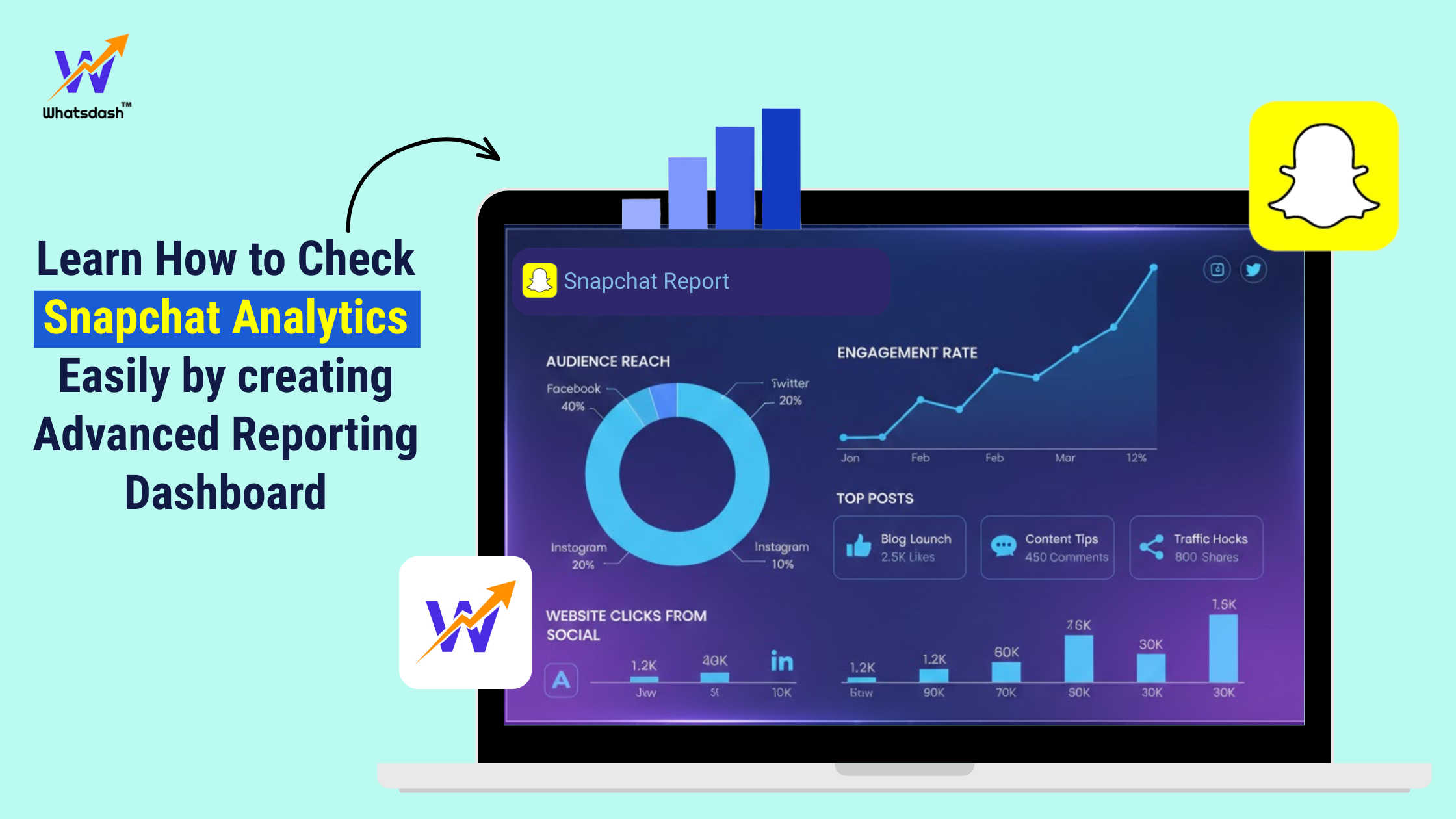
Tracking Snapchat analytics has always been one of the biggest challenges for marketers and digital marketing agencies. The native Snapchat Ads Manager interface is powerful, but it’s not built to analyze the performance data in a proper way. So, an account or multiple Snapchat accounts that manage multiple brands at the same time. And while creating the analytics report switching between dashboards, exporting CSVs, manually comparing month-over-month performance, and tracking followers separately — so it’s very obvious the process takes long hours every week and of course extra cost.
In 2025, when most agencies demand real-time insights, a fragmented workflow slows down reporting accuracy and campaign decisions.
This is exactly where Whatsdash makes a measurable difference. It pulls Snapchat real-time analytics and Snapchat campaign reports into one unified Snapchat analytics dashboard, allowing you to monitor followers, impressions, engagement, conversions, and ad performance — all in one single reporting dashboard.
In this article let’s check the step-by-step guide on how to check Snapchat analytics in Whatsdash, a Snapchat reporting tool and how it solves major reporting challenges agencies face today.
Why Snapchat Analytics is Hard for Agencies
Before jumping into the steps, it’s important to understand why agencies struggle with Snapchat analytics:
1. No unified dashboard
Marketers juggling multiple Snapchat accounts need to log in to each separately. There’s no multi-client overview.
2. Lack of a proper Snapchat follower tracker
Snapchat does not provide easy follower growth insight over long timelines. Tracking this manually is almost impossible at scale.
3. Difficult campaign comparison
Comparing two ad campaigns (or two time periods) requires exporting raw data and creating spreadsheets manually.
4. No real-time consolidated insights
Agencies need up-to-the-minute performance, but native dashboards delay updates or break data into multiple sections.
5. Client reporting takes too long
Most agencies spend multiple hours weekly preparing PDF reports — often from scratch.
Whatsdash solves all these problems by offering a single reporting dashboard where all Snapchat insights — organic + paid — are visible together, updated in real time, and automatically translated into clean reports.
Step-by-Step Guide: How to Check Snapchat Analytics in Whatsdash
Below is exactly how Whatsdash processes and displays Snapchat analytics in a way that is intuitive, real-time, and agency-friendly.
Step 1: Connect Your Snapchat Account with Whatsdash Tool
Once you log into this Snapchat follower tracker tool:
- Go to Integrations
- Select Snapchat Integration
- Authorize access to your Snapchat Business Account
- Choose the Snapchat profiles and ad accounts you want to track
After authentication, Whatsdash starts pulling historical + real-time data instantly.
Step 2: Automatically Builds Your Snapchat Analytics Dashboard
As soon as your data syncs, Whatsdash generates a pre-built Snapchat analytics dashboard featuring:
- Total followers (with daily growth trends)
- Story views & completion rates
- Impressions, reach & engagement
- Swipe-up rates
- Top-performing content
- Audience demographics
- Ad campaign performance
- Spend, CPC, CTR, CPA, ROAS
- Creative-level breakdown
No configurations. No manual setup. Just clean, visual reporting.
Step 3: Create a Real-Time Snapchat Report in One Click
Whatsdash automatically designs a Snapchat analytics report that includes:
- Graphs
- Timeline trends
- Followers growth
- Campaign performance
- Content analytics
- Performance summaries
Marketers can generate:
✔ Snapchat Real-Time Insights Report
Ideal for daily monitoring.
✔ Snapchat Campaign Report
Perfect for weekly or monthly client reporting.
These reports are dynamic — meaning every time new data comes in, your report updates automatically.
Step 4: Compare Snapchat Campaigns Side-By-Side
One of the biggest challenges in Snapchat Ads Manager is comparing:
- Two campaigns or more than two campaigns
- Two ad sets or more than that
- Different time periods
- Different audience groups
It solves this with a built-in comparison panel, where you can see:
- Performance uplift/downturn
- Spend distribution
- CTR comparison
- Cost efficiency
- Creative performance differences
Example:
Agencies have reported reducing manual comparison time from 40 minutes to under 2 minutes using Whatsdash’s automated comparison system. Of course the second option is more reliable to them.
Step 5: Track Snapchat Followers Automatically
Agencies often request follower insights from creators, influencers, or brands — but Snapchat does not provide historical follower graphs directly.
Whatsdash, an advanced marketing reporting tool that creates a Snapchat follower tracker, showing:
- Daily follower growth
- Sudden spikes during influencer campaigns
- Drops after certain content
- Month-over-month growth charts
This is extremely helpful for agencies handling influencer marketing or brand awareness campaigns.
Step 6: Add Snapchat Analytics to Multi-Channel Reports
Most clients want a “complete picture” of their performance, not just Snapchat.
In this Snapchat follower tracker, you can combine:
- Snapchat
- Facebook Ads
- TikTok Ads
- Google Ads
- GA4
- SEO metrics
…all into a single unified dashboard.
Which helps agencies present unified marketing insights, reducing confusion and improving decision making.
How Whatsdash Solves Real Snapchat Reporting Problems
Here are real situations where Whatsdash makes a measurable difference:
Problem: Too much time lost switching between accounts
Solution: Whatsdash centralizes all Snapchat accounts in one dashboard.
Problem: No proper Snapchat follower tracking
Solution: Whatsdash auto-tracks follower growth historically.
Problem: Manual report creation every week
Solution: One-click, auto-updated Snapchat reports.
Problem: Hard to compare Snapchat campaigns
Solution: Side-by-side comparison panel reduces analysis time drastically.
Problem: Clients don’t understand raw Snapchat data
Solution: Whatsdash transforms it into clean visual insights.
Conclusion
Snapchat is a very popular social media platform also very impactful for social media marketing. But it’s analytics can feel scattered and difficult to manage—especially for agencies handling multiple clients. Which problem can be solved by Whatsdash. Where you get a real-time Snapchat analytics dashboard, can track historical followers and easily compare multiple campaigns altogether without switching between multiple tools.
If you want to simplify Snapchat reporting, save hours every week, and present detailed insightful Snapchat performance reports to your clients. Which they can easily understand —
So, if you as a marketer want to save your time and make your reporting much easier then you can try Whatsdash Snapchat analytics dashboard.