Pipedrive
Pipedrive is a sales Customer Relationship Management (CRM) platform designed to help sales teams manage deals, track activities, and optimize their sales pipelines.
Connecting Pipedrive to Whatsdash integrates your detailed sales pipeline, activity, and deal performance data directly into Whatsdash for real-time sales reporting, forecasting, and cross-departmental analysis.
Why Connect Pipedrive to Whatsdash?
Integrate your Pipedrive data with Whatsdash to transform raw CRM data into clear, visual dashboards that provide instantaneous insights into the health of your sales pipeline and the performance of your team.
-
Real-Time Pipeline Visibility: Get a live, consolidated view of your sales funnel, tracking deal movement, expected revenue, and conversion rates across all stages without manually exporting data or logging into the Pipedrive app.
-
Activity & Performance Monitoring: Easily track key sales Metrics like the number of calls made, emails sent, and activities completed by individual sales reps or teams, allowing you to instantly identify high-performing behaviors and coaching opportunities.
-
Holistic Business Analysis: Blend Pipedrive deal data with marketing spend from your ad platforms (GA4, Facebook Ads) to calculate true Customer Acquisition Cost (CAC) and measure marketing-to-sales ROI.
📋 Steps to Integrate your Pipedrive Account to Whatsdash
✔️ Navigate to the 'Integrations' page using the Navigation bar.
✔️ Select Pipedrive from the Available Integrations.

✔️ Click the + button to open the Pipedrive authorization window.

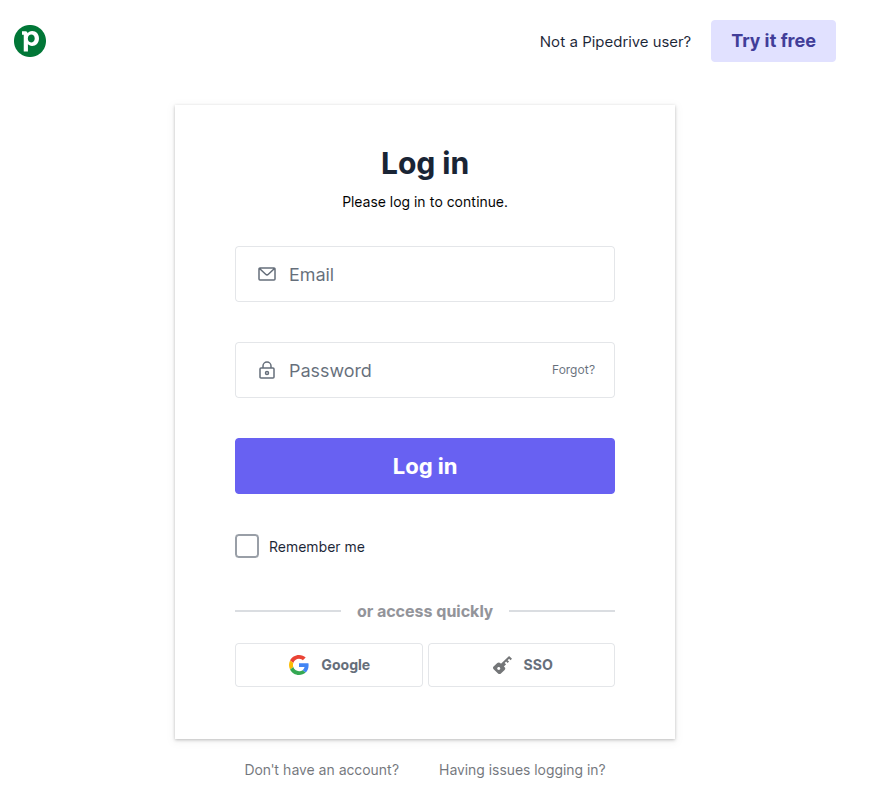
✔️ You will be redirected to the official Pipedrive login page. Enter the credentials for the Pipedrive account that has Admin access to your company's CRM data.
✔️ Review the permissions requested by Whatsdash (e.g., Read access to Deals, Activities, and Organizations) and click the button to Allow and Install the integration.
✔️ Once authenticated, you will be directed back to Whatsdash. Your Pipedrive Integration will appear in the Connected Integrations list.
✔️ You can now create or customize dashboards using your Pipedrive Metrics and Dimensions.
👉 How to visualize this data in your dashboard, visit the Dashboard Documentation Guide.
🔗 Pipedrive Metrics
The table below lists the Pipedrive Metrics available through the Whatsdash Pipedrive Integration.
| Name | Category | Why it’s Useful |
|---|---|---|
| Deal | Deal | Total number of deals; provides a quick overview of pipeline volume. |
| Deal Value | Deal | Expected monetary value of deals; critical for revenue forecasting. |
| Deal Probability | Deal | Likelihood of closing a deal; helps prioritize opportunities and forecast accurately. |
| Leads | Lead | Total number of leads; gives insight into potential opportunities entering the pipeline. |
| Leads Value | Lead | Estimated value of all leads; aids in revenue potential assessment before conversion. |
🔗 Pipedrive Dimensions
The table below lists the Pipedrive Dimensions available through the Whatsdash Pipedrive Integration.
| Name | Category | Why it’s Useful |
|---|---|---|
| Deal Id | Deal | Unique identifier for each deal; essential for tracking and referencing deals. |
| Deal Title | Deal | Describes the deal; helps identify opportunities quickly. |
| Deal Status | Deal | Indicates if the deal is open, won, lost, or inactive; key for sales pipeline tracking. |
| Deal Currency | Deal | Tracks the currency of the deal; important for financial reporting. |
| Deal Origin | Deal | Shows where the deal came from (referral, web lead, etc.); useful for analyzing lead sources. |
| Deal Origin ID | Deal | Links the deal to a specific source or campaign; helps measure source effectiveness. |
| Deal Channel | Deal | Communication channel used (email, phone, social media); informs engagement strategy. |
| Deal Channel ID | Deal | Unique identifier for the channel; ensures precise tracking of interactions. |
| Deal Is Delete | Deal | Shows if a deal has been deleted; helps maintain data accuracy. |
| Deal Visible To | Deal | Specifies visibility of the deal (private/team/org); useful for access control. |
| Deal Lost Reason | Deal | Explains why a deal was lost; aids in improving sales strategy. |
| Person ID | Deal | Links the deal to a specific contact or company; crucial for CRM relationships. |
| Owner ID | Deal | Identifies the sales rep responsible; tracks performance and accountability. |
| Stage ID | Deal | Identifies the stage in the sales pipeline; monitors deal progression. |
| Pipeline ID | Deal | Links the deal to a pipeline; helps manage multiple sales workflows. |
| Lead ID | Lead | Unique identifier for a lead; essential for lead management and tracking. |
| Lead Title | Lead | Describes the lead; allows quick identification of prospects. |
| Lead Currency | Lead | Tracks monetary value of the lead; used for forecasting and reporting. |
| Lead Source Name | Lead | Indicates where the lead originated; useful for marketing analysis. |
| Lead Origin | Lead | Specific method/platform of lead generation; aids campaign performance evaluation. |
| Lead Origin ID | Lead | Unique ID linking lead to a source or campaign; enables precise reporting. |
| Lead Channel | Lead | Channel through which lead was acquired; helps optimize outreach. |
| Lead Channel ID | Lead | Unique identifier for the channel; ensures accurate tracking. |
| Is Archived | Lead | Shows if a lead/deal is archived; helps maintain active records. |
| Was Seen | Lead | Indicates if the lead/deal was interacted with; informs follow-up strategy. |
| Label IDs | Lead | Categorizes leads; helps segment and prioritize prospects. |
| Visible To | Lead | Controls access to lead information; important for privacy and team management. |
| CC Email | Lead | Email to receive communications; supports collaborative workflows. |
| Owner ID | Lead | Identifies responsible user; tracks lead ownership. |
| Creator ID | Lead | Shows who created the lead/deal; useful for accountability. |
| Organization ID | Lead | Links lead/deal to a company; central for B2B tracking. |
| Next Activity ID | Lead | Next scheduled activity; ensures timely follow-ups. |
| Person ID | Lead | Links to a contact/stakeholder; vital for CRM relationships. |
| Year | Time | Year of record; supports time-based reporting. |
| Year Of Week | Time | Year for week-based grouping; useful for weekly trends. |
| Year Of Week(ISO) | Time | ISO standard for week-year; ensures consistency in reporting. |
| Year Month | Time | Year and month of record; useful for monthly trend analysis. |
| Month | Time | Month of record; enables monthly reporting. |
| Year Week | Time | Year and week number; supports weekly analytics. |
| Year Week(ISO) | Time | ISO week-year; ensures standardization across datasets. |
| Week | Time | Week number (01–53); for weekly reporting. |
| Week(ISO) | Time | ISO week number; aligns with global standards. |
| Day Of Month | Time | Day of the month; for daily-level reporting. |
| Day Of Week Name | Time | Name of the day (e.g., Tuesday); supports weekday trend analysis. |
| Day Of Week Name(ISO) | Time | ISO standard day name; ensures reporting consistency. |
| Date | Time | Full date (YYYYMMDD); allows detailed time-series analysis. |
🔗 Explore More Integrations
Whatsdash supports a wide range of marketing, analytics, and eCommerce integrations to give you a holistic view of your business performance.
👉 Visit the Integrations Page to explore all available connections