⚙️ Settings
How to Access Settings in Whatsdash
You can access the Settings page directly on clicking the "Setting" button in Whatsdash.
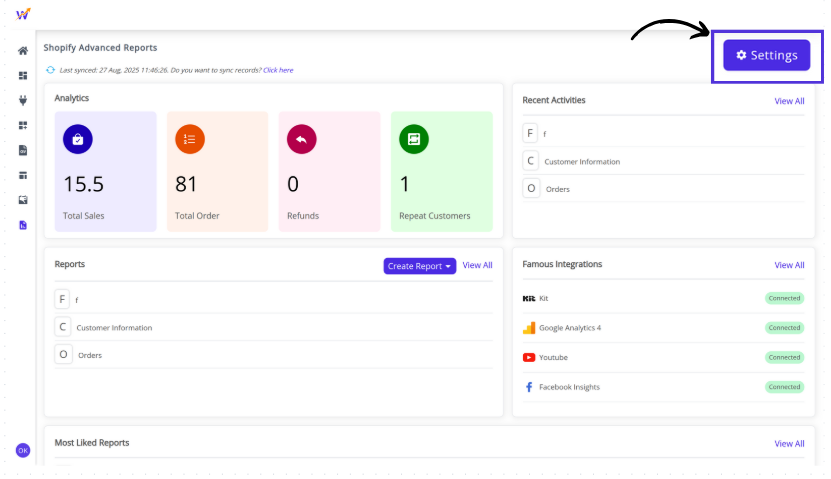
Once opened, the Settings page displays a left navigation panel that lets you manage key aspects of your account efficiently.
⚙️ Settings Overview
In Whatsdash, the Settings page contains the following options:
👤 Account View : All your personal and plan-related information in one place. You can check details such as your profile, subscription status, and plan usage.
👉 Learn more about Account Settings
🔄 Data Sync Control : How and when your store data is synchronized with Whatsdash. You can perform manual syncs or enable automatic refreshes.
👉 Learn more about Data Sync Options