Google My Business
Google My Business is a free tool provided by Google that allows businesses to manage and optimize their online presence across Google Search and Google Maps.
Why Connect Google My Business to Whatsdash?
Integrate your Google My Business data with Whatsdash to centralize your local search performance, ensuring your local presence efforts are effectively driving traffic and customer interactions.
-
Monitor Local SEO Performance: See how often your business profile appears in Google Search and Maps and track the growth of your customer interactions.
-
Reputation Management: Track average review ratings, review volume, and new reviews directly in your dashboard, allowing for quick monitoring of your local reputation health.
-
Holistic Business Overview: Blend your Google My Business data with your website's GA4 Metrics and CRM sales data to understand the full customer journey, from local search discovery to final conversion.
📋 Steps to Integrate your Google My Business account to Whatsdash
✔️ Navigate to the 'Integrations' page using the Navigation bar.
✔️ Select Google My Business from the Available Integrations.
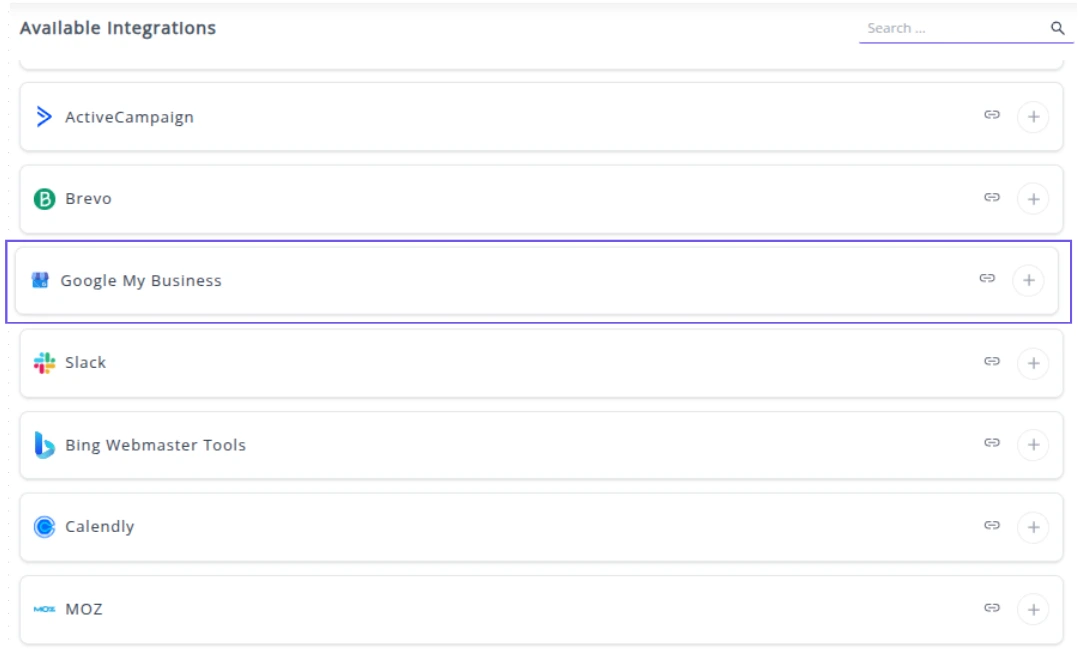
✔️ Click the + button to open the Google authorization window.

✔️ You will be redirected to a Google sign-in page. Select the Google account that is the Owner or Manager of your Google My Business profile(s).
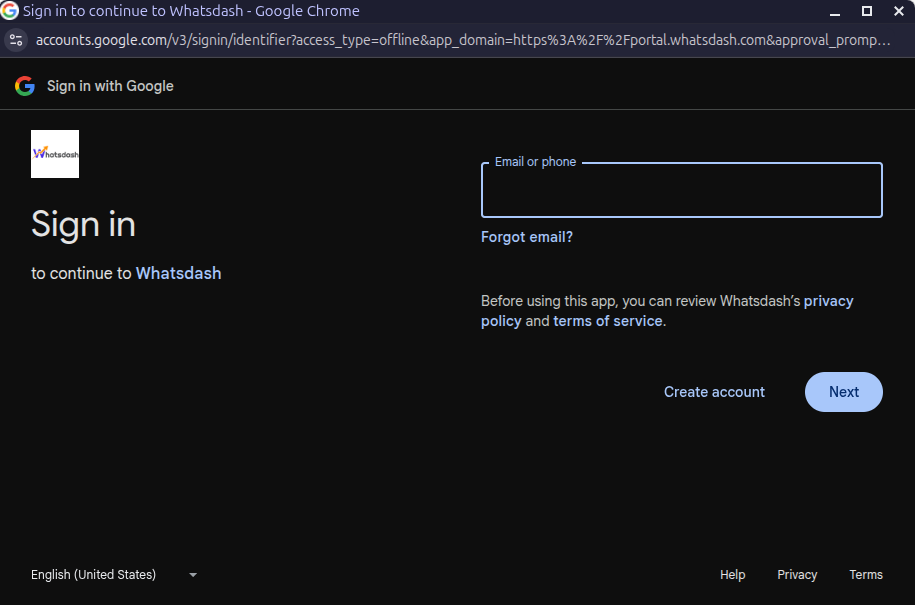
✔️ Grant Whatsdash the necessary permissions to Read your Google My Business data.
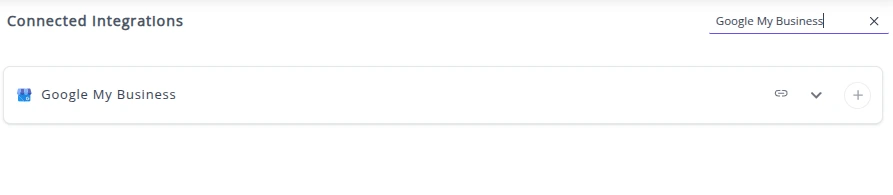
✔️ Once authenticated, you will be directed back to Whatsdash. Your Google My Business Integration will appear in the Connected Integrations list.
✔️ You can now create or customize dashboards using your Google My Business Metrics and Dimensions.
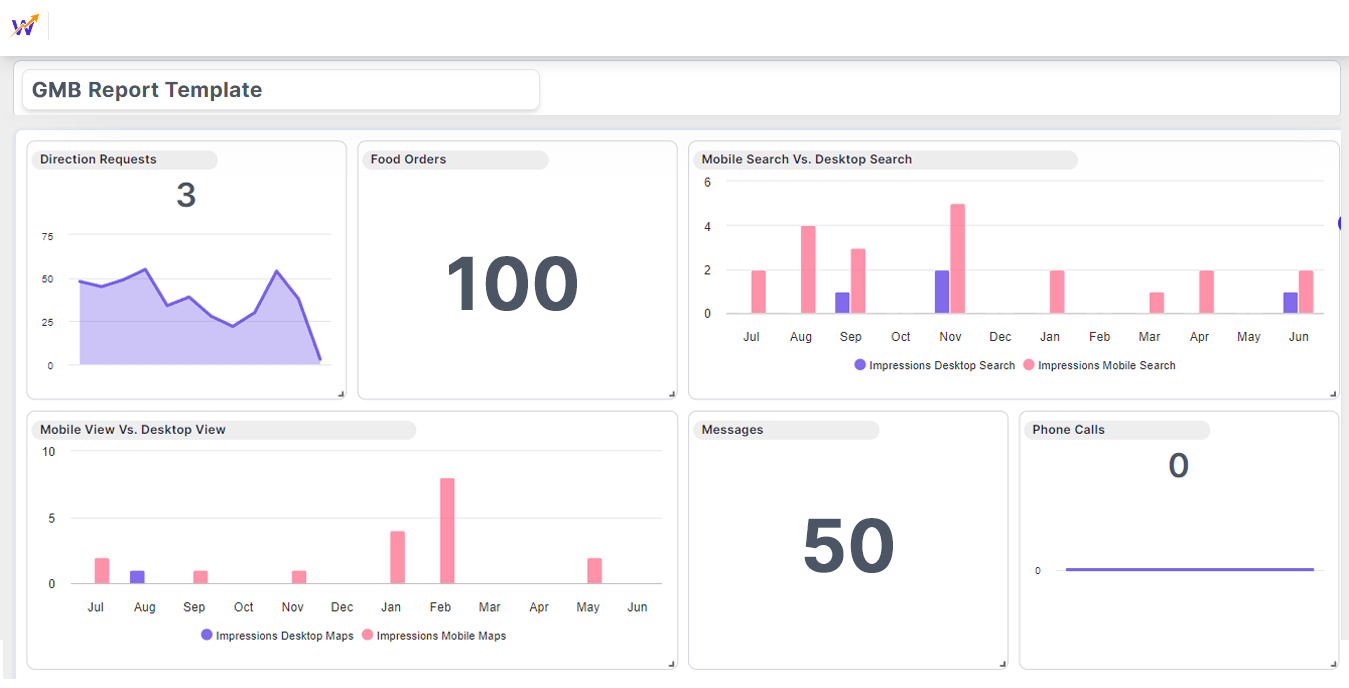
👉 How to visualize this data in your dashboard, visit the Dashboard Documentation Guide
🔗 Google My Business Metrics
The table below lists the Google My Business Metrics available through the Whatsdash Google My Business Integration.
| Name | Category | Why It’s Useful |
|---|---|---|
| Reviews Count | Reviews | Shows overall customer feedback volume, useful for reputation management. |
| Food Menu Clicks | Performance | Indicates interest in menu items, useful for tracking food-related engagement. |
| Call Clicks | Performance | Measures customer intent to call, helping gauge lead interest. |
| Food Orders | Performance | Tracks completed food orders from the profile, useful for revenue insights. |
| Impressions Mobile Search | Performance | Shows visibility on mobile search, helpful for mobile optimization. |
| Impressions Desktop Maps | Performance | Shows desktop map visibility, useful for assessing map reach. |
| Impressions Mobile Maps | Performance | Tracks mobile map visibility, useful for local mobile engagement. |
| Impressions Desktop Search | Performance | Shows desktop search visibility, helpful for overall profile performance. |
| Rating | Reviews | Reflects average customer satisfaction, useful for trust-building and monitoring. |
| Business Booking | Performance | Measures bookings made via Google, useful for conversion tracking. |
| Website Clicks | Performance | Indicates traffic driven to the website, useful for marketing ROI. |
| Business Direction Requests | Performance | Shows interest in visiting the location, useful for offline conversions. |
| Business Conversations | Performance | Tracks messaging interactions, useful for customer support and engagement. |
🔗 Google My Business Dimensions
The table below lists the Google My Business Dimensions available through the Whatsdash Google My Business Integration.
| Name | Why It’s Useful |
|---|---|
| Location Store Code | Helps uniquely identify and manage multiple business locations. |
| Labels | Useful for categorizing and filtering locations for analysis. |
| Location Address | Provides complete location information, essential for accurate mapping and local SEO. |
| Location Name | Helps identify and differentiate between multiple business locations. |
| Review | Tracks customer feedback for the location, useful for reputation management and service improvement. |
🔗 Explore More Integrations
Whatsdash supports a wide range of marketing, analytics, and eCommerce integrations to give you a holistic view of your business performance.
👉 Visit the Integrations Page to explore all available connections